

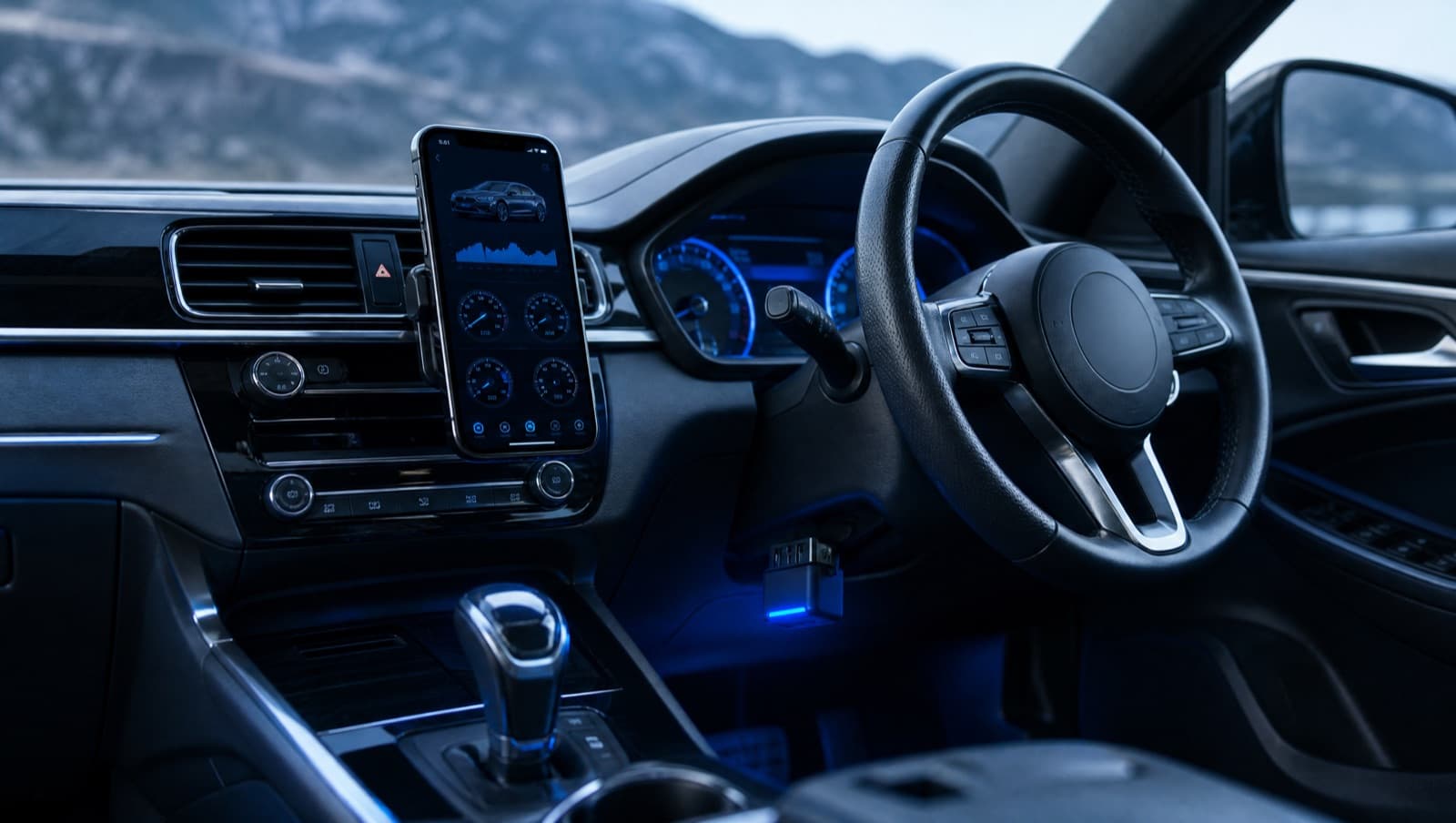
OBD-II scanning has gone from a workshop-only tool to something any driver in Malaysia can do from the front seat. The catch on iPhone and iPad is that the app and the adapter have to be the right kind. Here's a simple buyer's guide.
What you actually need
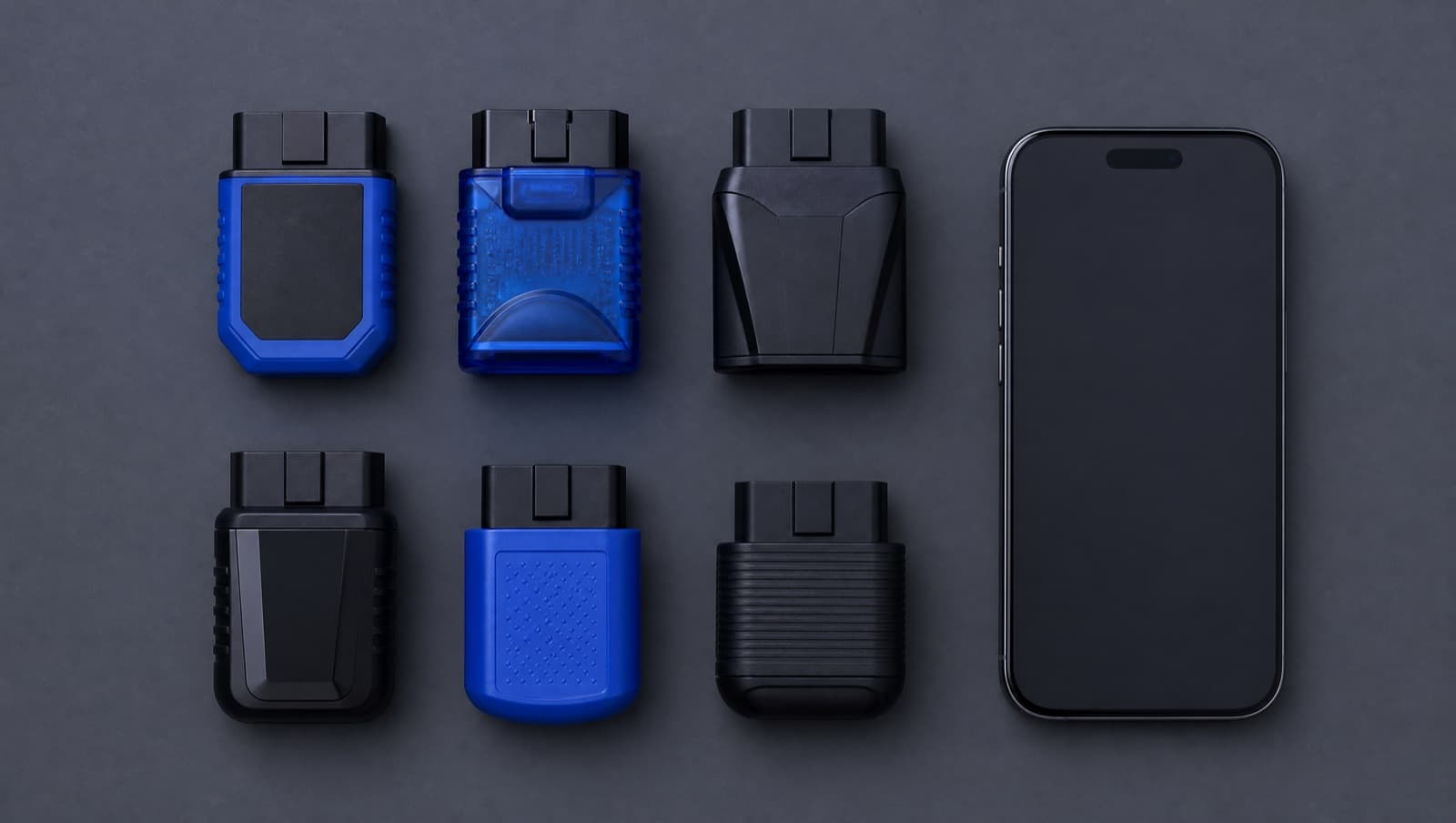
- •An iPhone or iPad (iOS / iPadOS 17 or later).
- •A Bluetooth LE (BLE) OBD-II adapter; Classic Bluetooth ELM327 dongles don't work on iOS or iPadOS.
- •An app that turns codes into clear, local guidance rather than raw numbers.
What OBD-II scanning can do for you
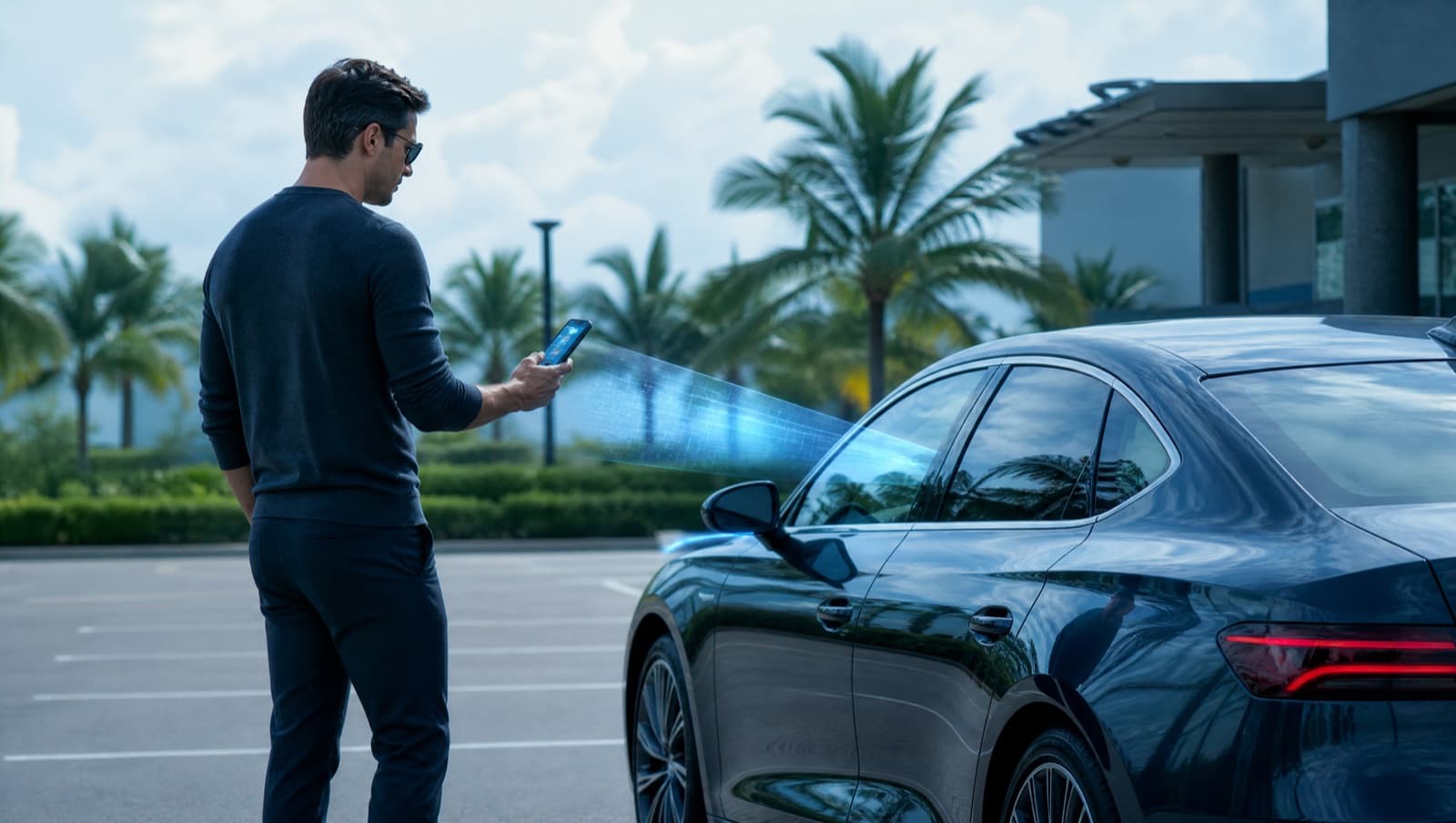
- •Read fault codes when the check-engine light comes on.
- •Show live data like coolant temperature and battery voltage.
- •Check emissions readiness before an inspection.
- •Help you inspect a used car before buying.
The Malaysia angle
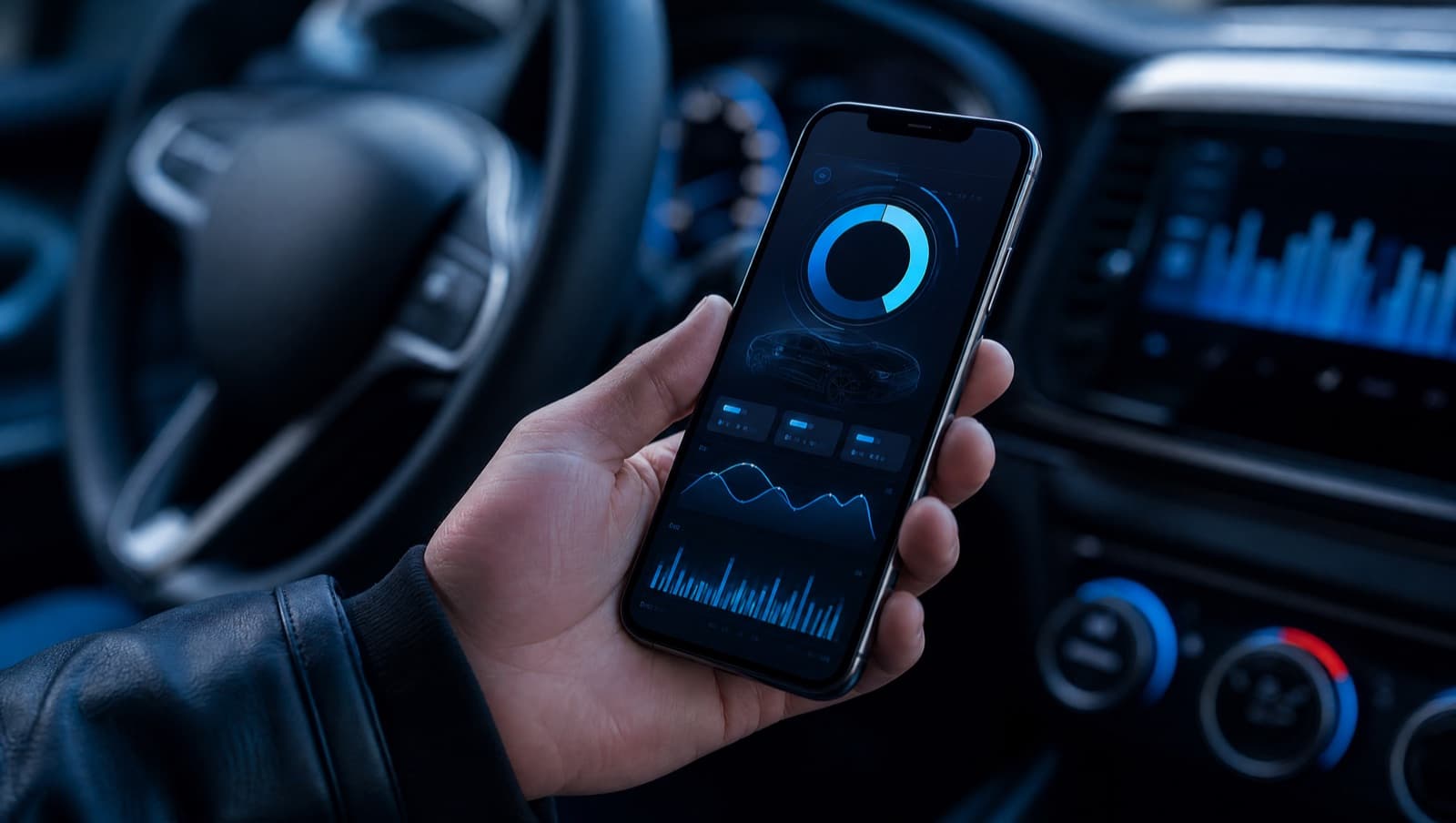
A generic scanner shows codes; what's more useful locally is plain-English explanations with approximate Malaysia repair-cost ranges, so you can sanity-check a workshop quote, and a used-car mode suited to a market where buying second-hand is common. That's exactly what AutoMalaya OBD is built for.
What it can't do
Standard OBD-II is diagnostics, not deep manufacturer functions. It won't flash the ECU, read the odometer or immobiliser, or perform brand-specific coding. Staying within standard scope is what keeps it safe to use on any compatible car.