
Understand your car before the workshop.
Scan OBD-II codes, get plain-English explanations, export reports, and inspect used cars with confidence — right from your iPhone or iPad.
 Coming soon onAndroidSee Sample Report
No ECU flashing. No unsafe coding. Local-first & private. Android version in review.
Diagnostics that fit in your pocket.
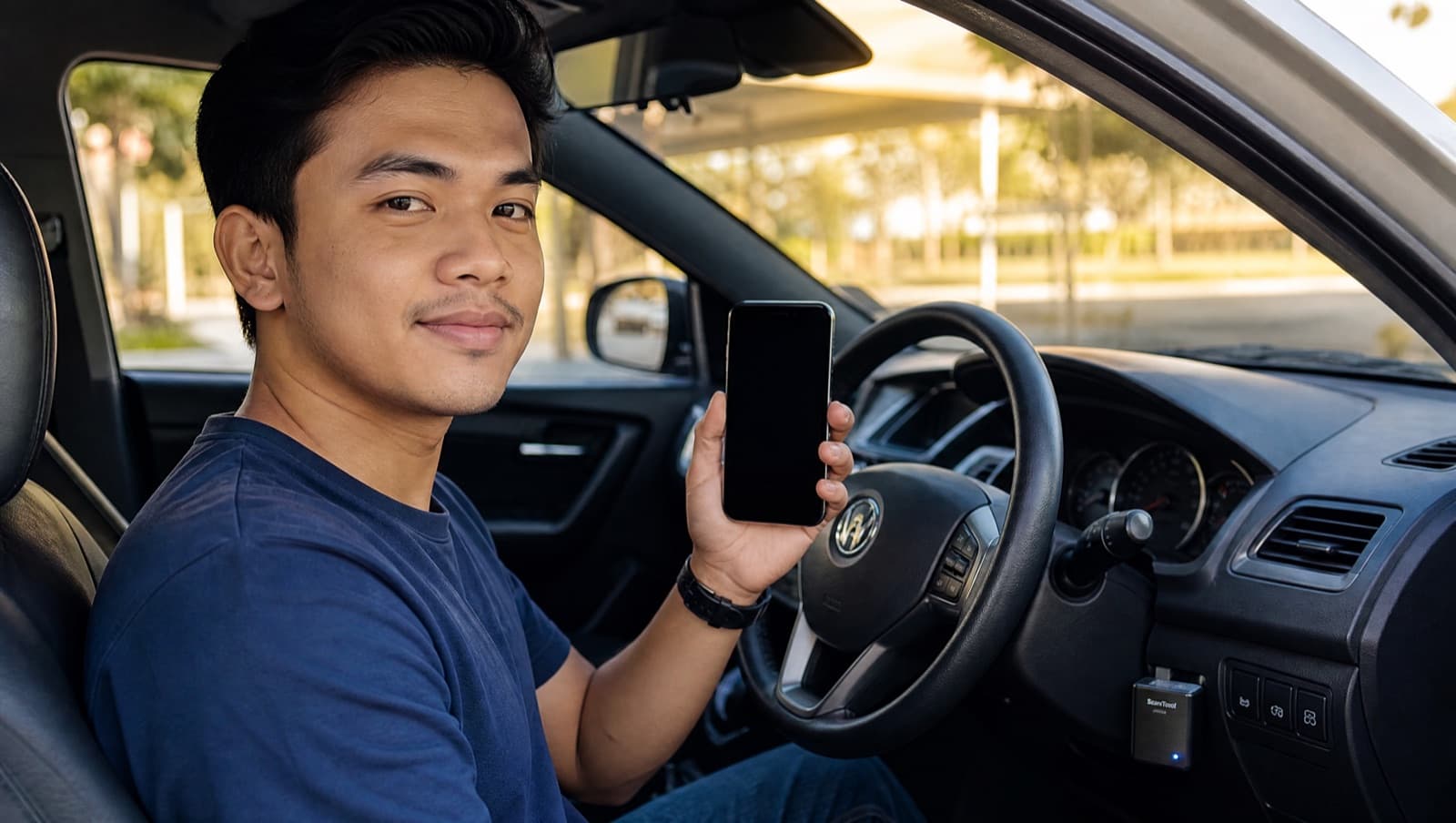
Plug a Bluetooth OBD-II adapter into your car, connect from your iPhone or iPad, and read what the engine is really saying — no workshop visit needed just to ask a question.
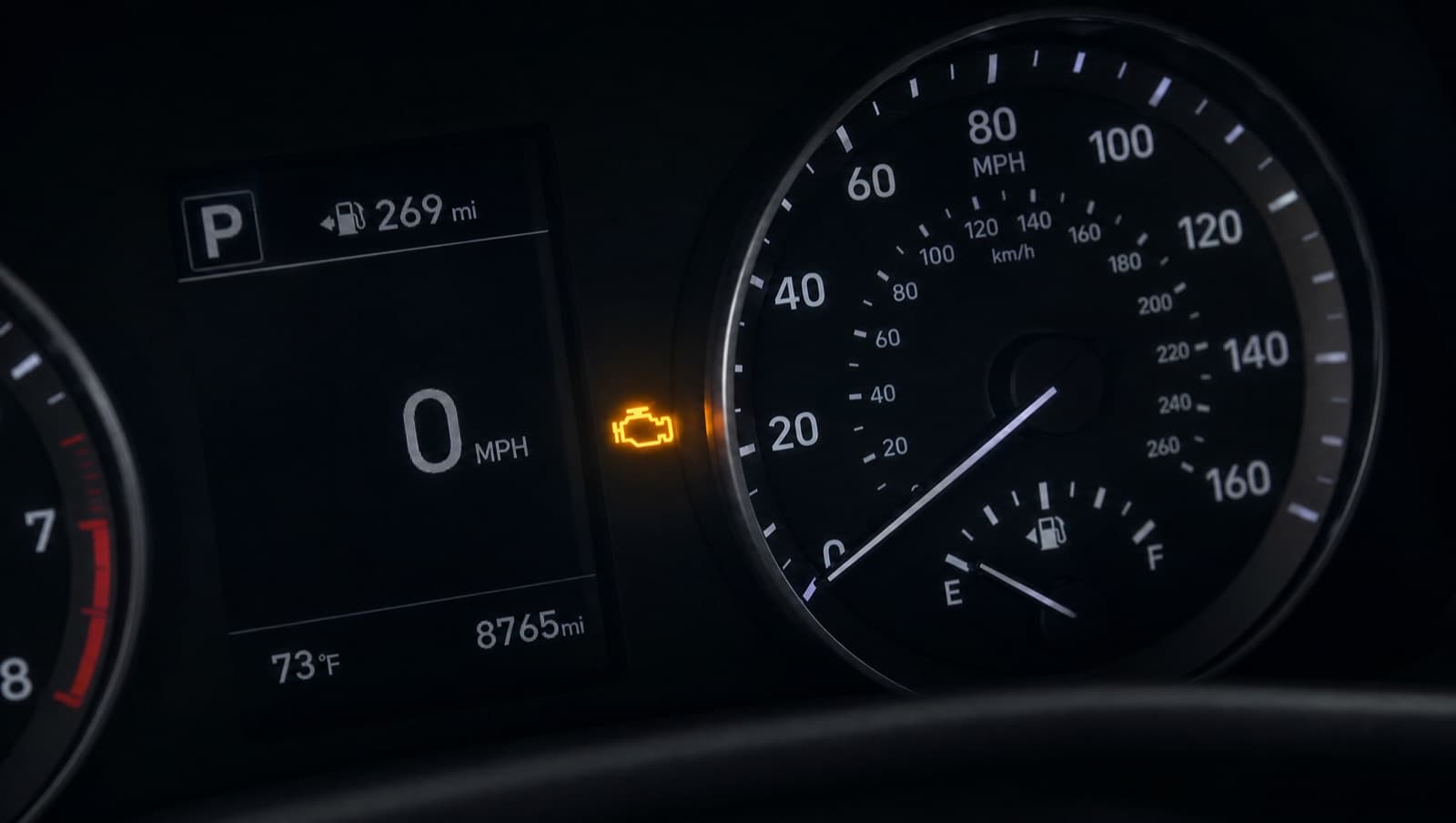
Check engine lights should not feel like a guessing game.
OBD codes are technical, and mechanics are busy.
Used-car sellers may not explain a vehicle's condition clearly.
Cheap scanner apps often stop at raw data.
You're left unsure how urgent a problem really is.
From raw codes to clear next steps.
- 1
Connect an adapter
- 2
Scan the car
- 3
Read the plain-English explanation
- 4
Export a PDF report
- 5
Decide what to do next
See the app.
Real screens from AutoMalaya OBD on iPhone. The same app runs on iPad, with a sidebar layout.
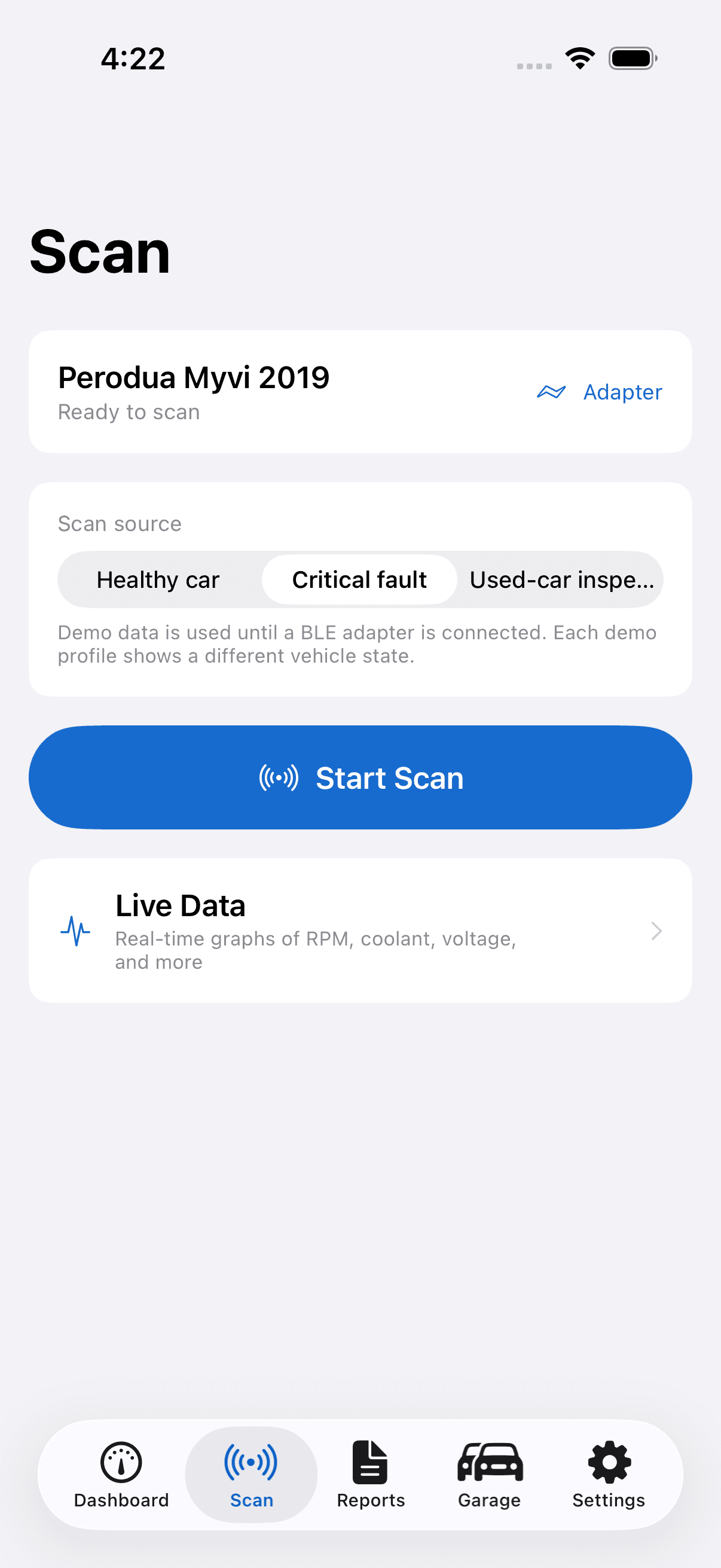
Scan tab
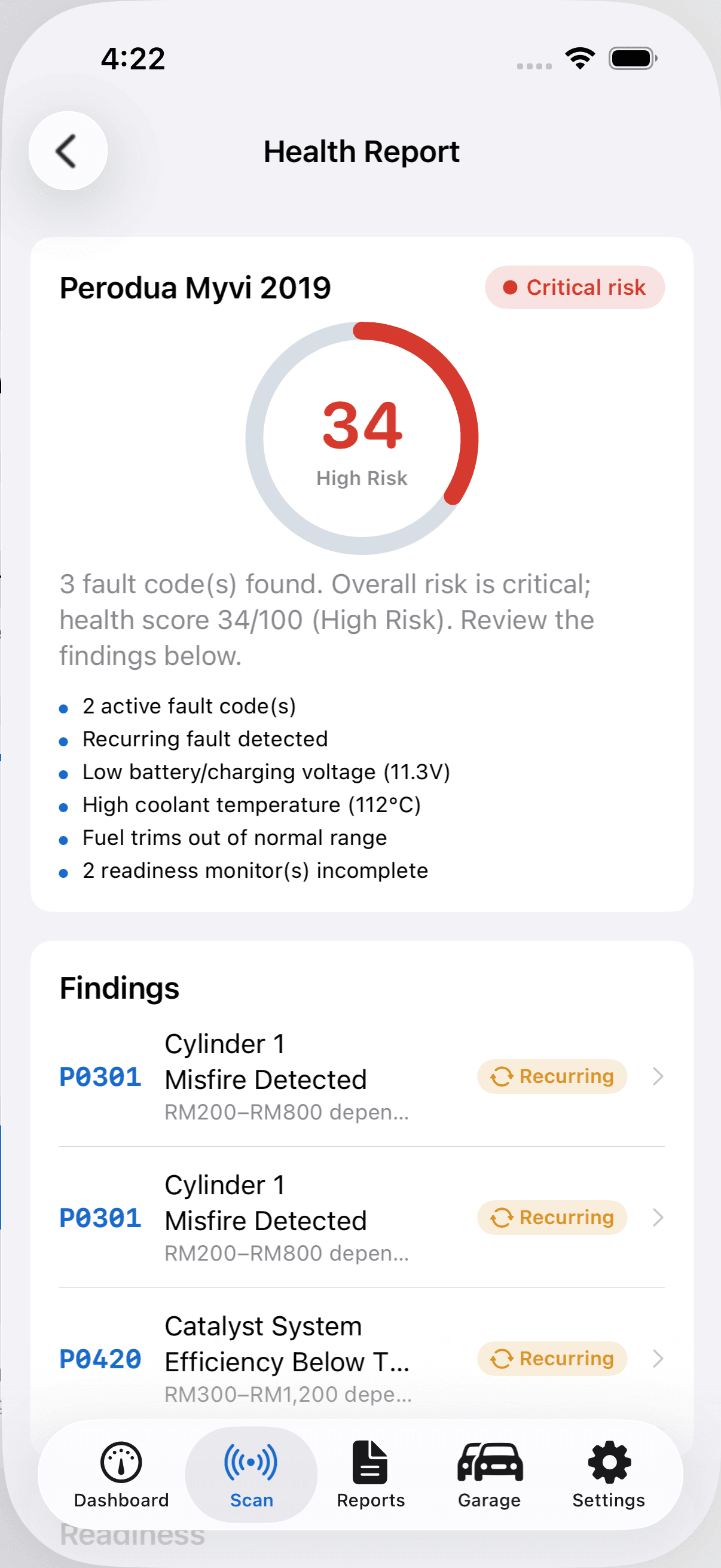
Diagnostic health report
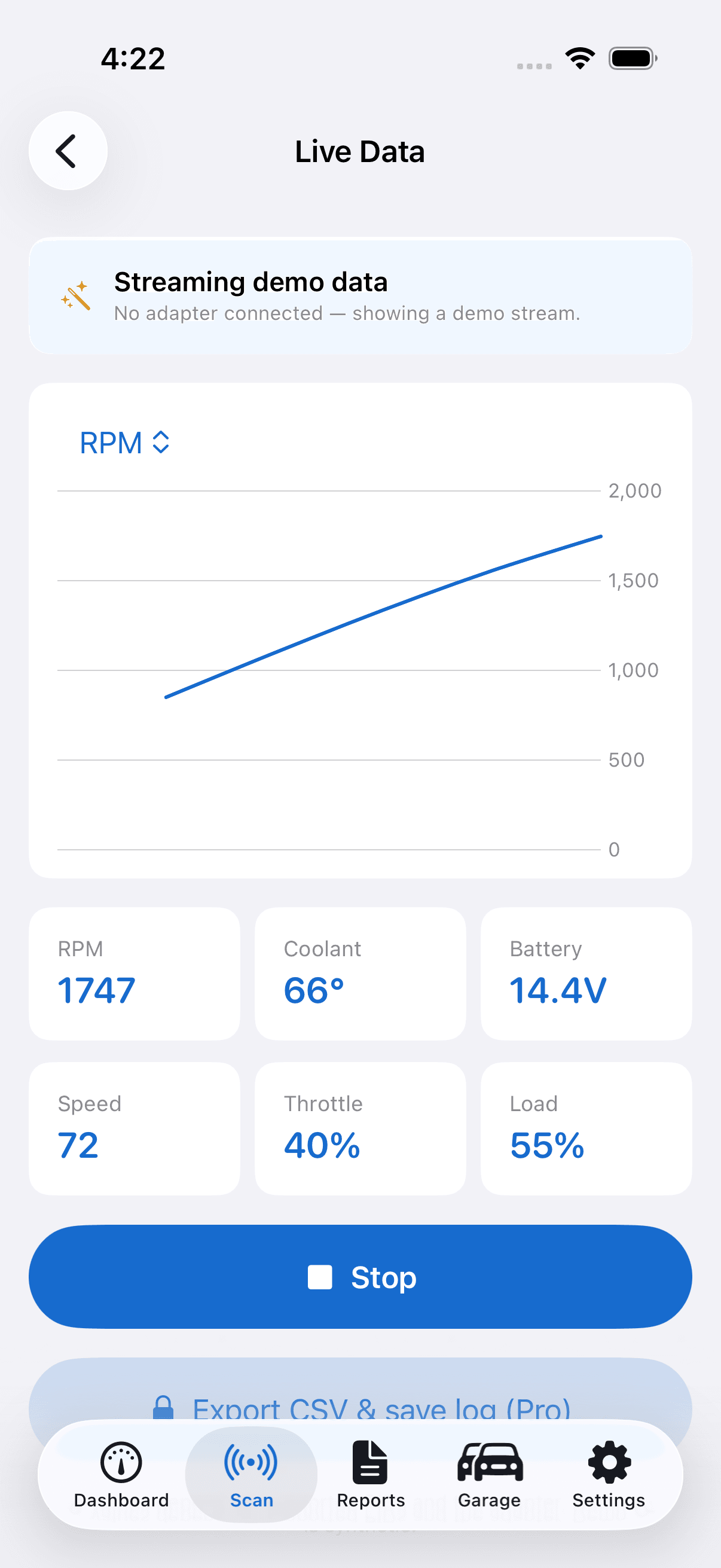
Live data monitor
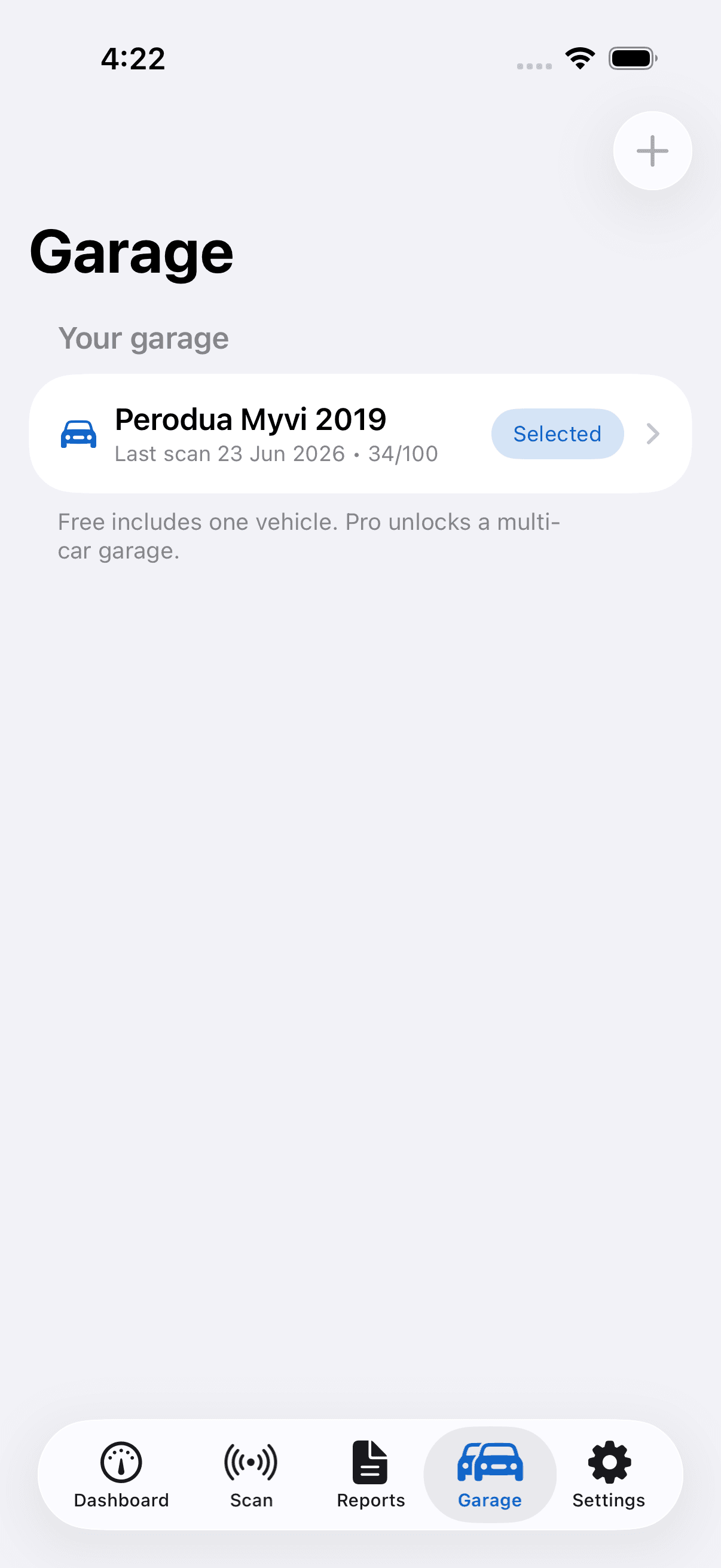
Multi-car garage
Built for drivers, buyers, and workshops.
AI Car Health
Health score, risk level, likely causes, and repair priority from available scan data.
Used Car Inspector
Buyer risk score, readiness, and DTC summary in a buyer-friendly inspection PDF.
Workshop Pro
Branded reports and customer history — coming in a later release.
CarPlay Companion
Not available — CarPlay needs a separate Apple entitlement we have not applied for.
Buying a used car? Check it first.
Run a used-car inspection before you pay. Get a buyer-risk score, readiness summary, and a DTC overview in a shareable PDF — so you negotiate with facts, not guesses.
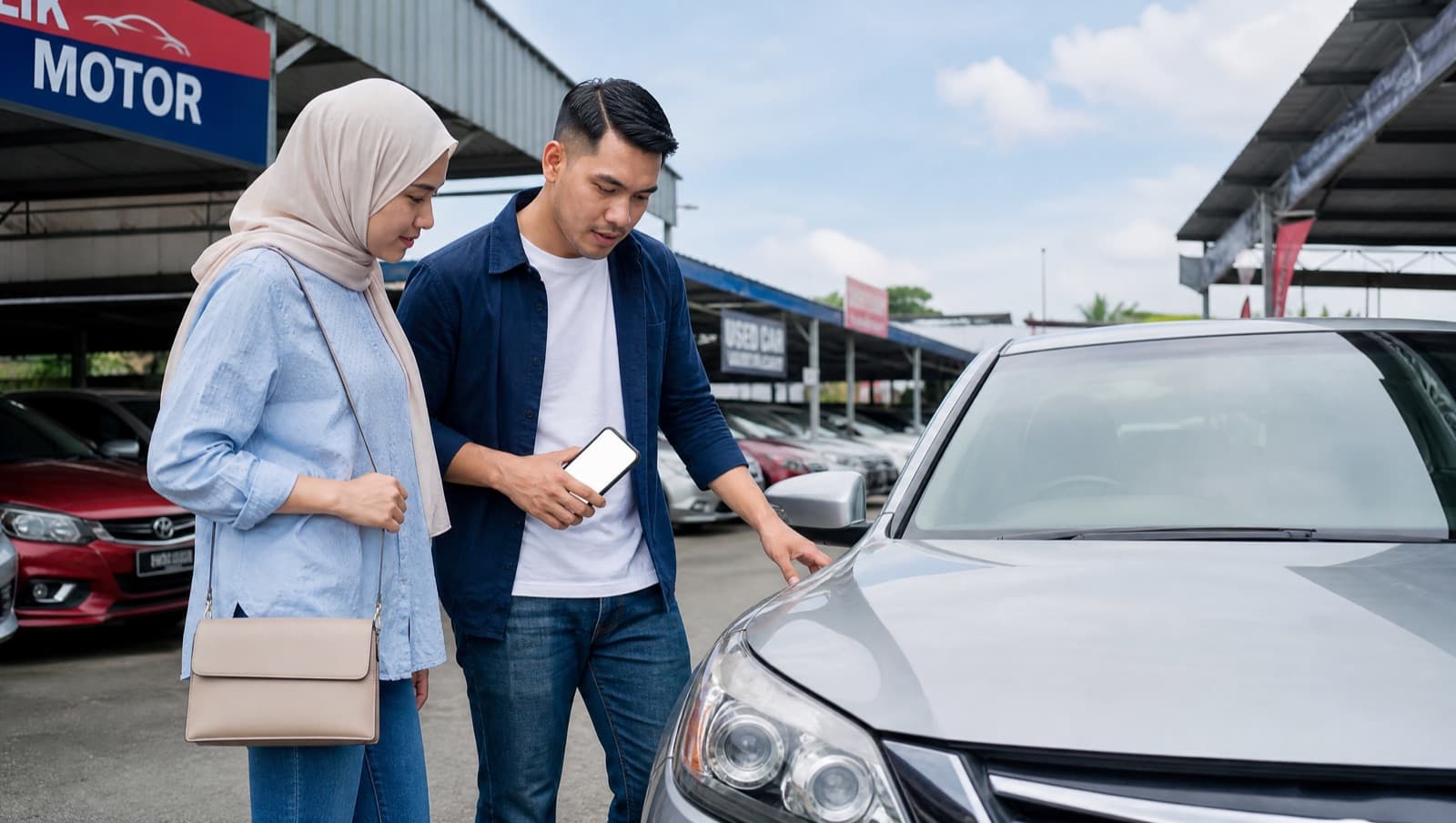
A report you can send before you visit the workshop.
- •DTC summary
- •Risk level & health score
- •Likely causes & repair priority
- •Approximate Malaysia repair cost range
- •Readiness status
- •Clear disclaimer
Simple pricing.
Free
RM0
Basic scanning
- •Adapter connect
- •Basic live data
- •Basic DTC reading
Pro
RM49
One-time · yours for life
- •AI reports & PDF export
- •Unlimited history & live logging
- •Battery, trips, reminders, widget & iCloud sync
Used-Car Report
RM19.90
One-off
- •Buyer risk score
- •Readiness & DTC summary
- •Shareable PDF
Workshop
Later
Coming soon
- •Customer database
- •Branded reports
Prices are indicative and set by Apple at your local tier.
Built for diagnostics, not risky ECU tricks.
Frequently asked questions
What adapter do I need?+
Any iOS or iPadOS-compatible Bluetooth (BLE) OBD-II adapter. The OBDLink MX+ is the recommended premium baseline. More adapters are added after compatibility testing.
Does it work with iPhone and iPad?+
Yes. It's a native app for iPhone and iPad (iOS and iPadOS 17 and later), with a layout that adapts to the larger screen. Adapter support depends on the specific OBD-II hardware.
Is there an Android version?+
The Android app is built and has been submitted to Google Play. It will be available once Google has finished reviewing it.
Does it support CarPlay?+
Not today. CarPlay needs a separate entitlement that Apple grants case by case, and we have not applied for it yet — so there is no date to promise. The iPhone and iPad app works fully without it.
Can it tell me the exact repair cost?+
No. It gives an estimated range and likely causes. A qualified mechanic may still need to inspect the car.
Can it inspect a used car?+
Yes. Used-car mode reads available OBD-II data, readiness monitors, fault codes, and VIN where supported, then builds a buyer-friendly report.
Can it clear fault codes?+
Yes, with a strong confirmation step. Clearing does not fix the cause and resets readiness monitors, so it is disabled in used-car mode.
Does it read all the files inside a car?+
No. Standard OBD-II data only. No ECU firmware, private files, immobiliser, or odometer data.
Does it work in Malaysia?+
Yes. It is designed for Malaysia with repair-cost ranges, used-car workflows, and local adapter availability. Vehicle support depends on the car and adapter.
Know what your car is trying to tell you.
AutoMalaya OBD is available on the App Store for iPhone and iPad (iOS / iPadOS 17+).
The Android version is built and submitted to Google Play — it will appear here once Google has reviewed it.
Coming soon onAndroid