OBD adapters for iPhone & iPad
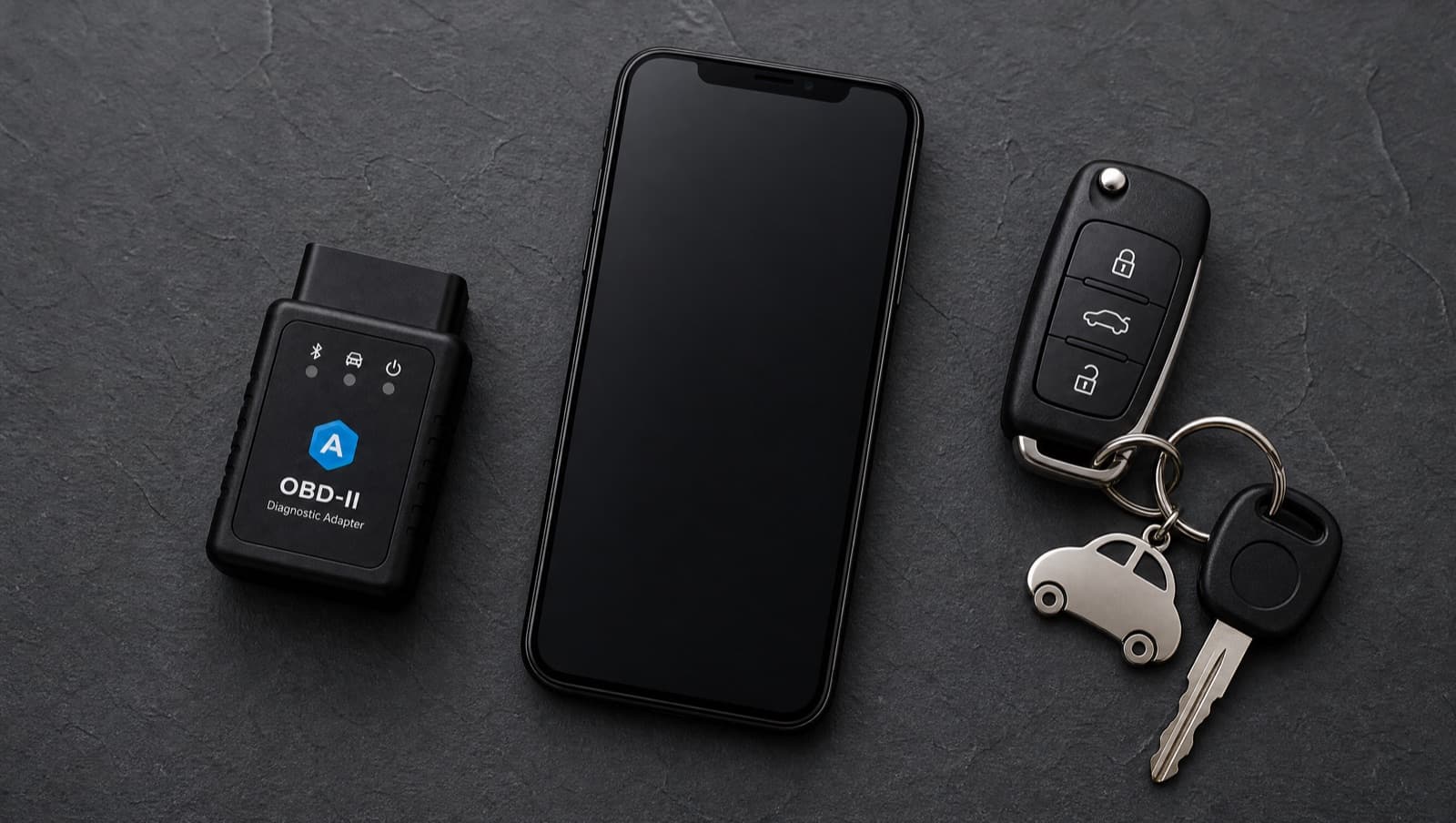
AutoMalaya OBD needs a Bluetooth LE (Bluetooth 4.0+) OBD-II adapter to read your real car. Here are models that work, with places to buy them in Malaysia.
Must be Bluetooth LE (Bluetooth 4.0+)
iPhone and iPad only work with Bluetooth Low Energy OBD-II adapters. Cheap “ELM327 Bluetooth” adapters are often classic Bluetooth (3.0), which do not work on iOS or iPadOS. Make sure the listing clearly says “BLE”, “Bluetooth 4.0”, or “for iPhone/iOS”. Wi-Fi ELM327 adapters are not supported yet.
Recommended compatible adapters
Best overall — very fast and reliable on iPhone and iPad, genuine Bluetooth LE.
Premium tier · tap a store below for the current price
Premium, widest vehicle compatibility. The most dependable baseline.
Premium tier · tap a store below for the current price
Best value — popular, affordable and widely sold in Malaysia.
Budget tier · tap a store below for the current price
Reliable budget pick with a strong track record on iOS and iPadOS.
Budget tier · tap a store below for the current price
Great mid-range BLE adapter, good range and stability.
Mid-range tier · tap a store below for the current price
We are not affiliated with Shopee, Lazada, or any seller. These are independent suggestions to help you find a compatible adapter — AutoMalaya earns nothing from your purchase and does not endorse any seller. Where a brand has an official Lazada store we link to it (everything there is genuine); otherwise the link is a keyword search. We don’t verify individual seller listings or list prices, since both change constantly. Before paying, confirm three things on the listing: the exact model name above, that it says Bluetooth 4.0 / BLE (not classic Bluetooth or Wi-Fi), and that it states iOS / iPhone support (the same adapters work on iPad). Vehicle support depends on your car and the adapter.
Connecting is simple
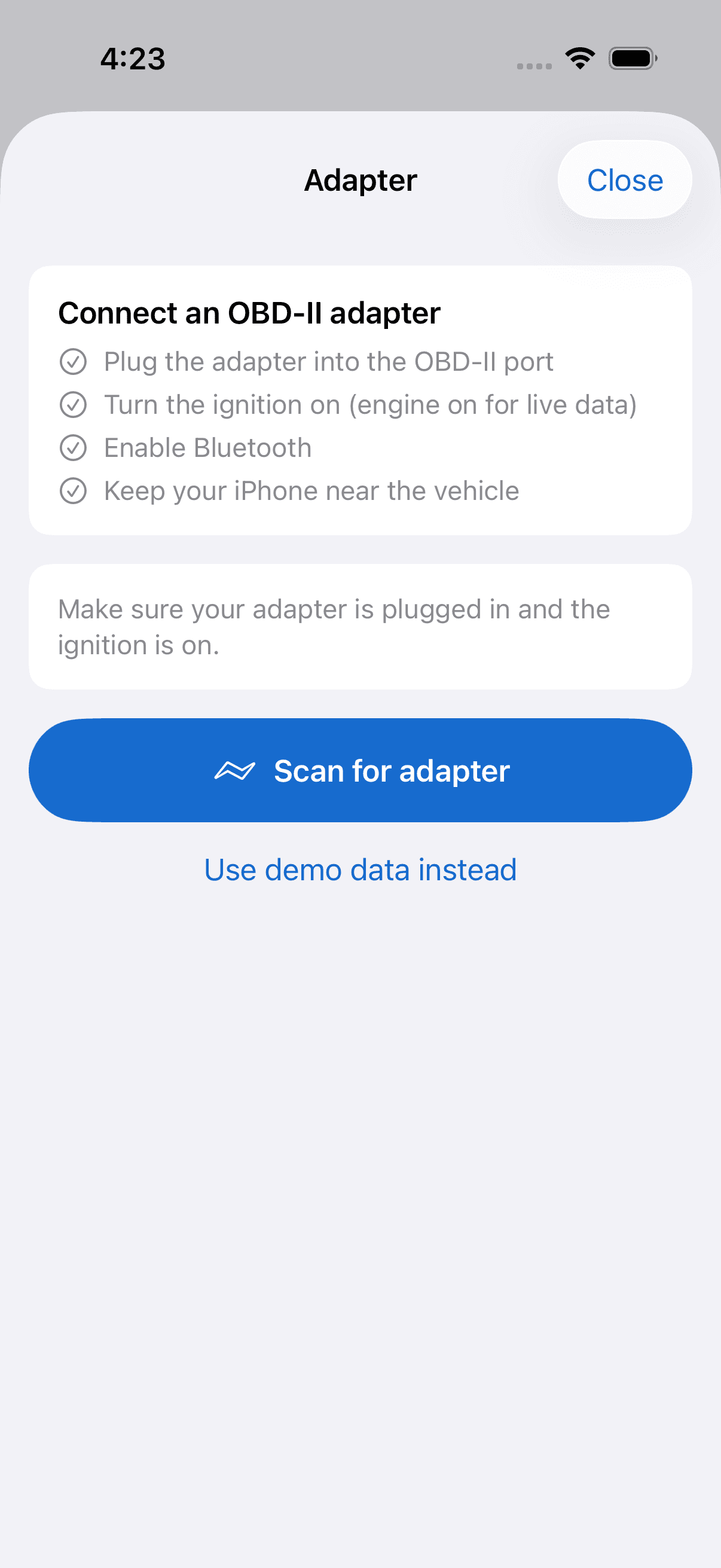
Plug the adapter into the OBD-II port, open the Scan tab, tap Adapter, and connect over Bluetooth.