

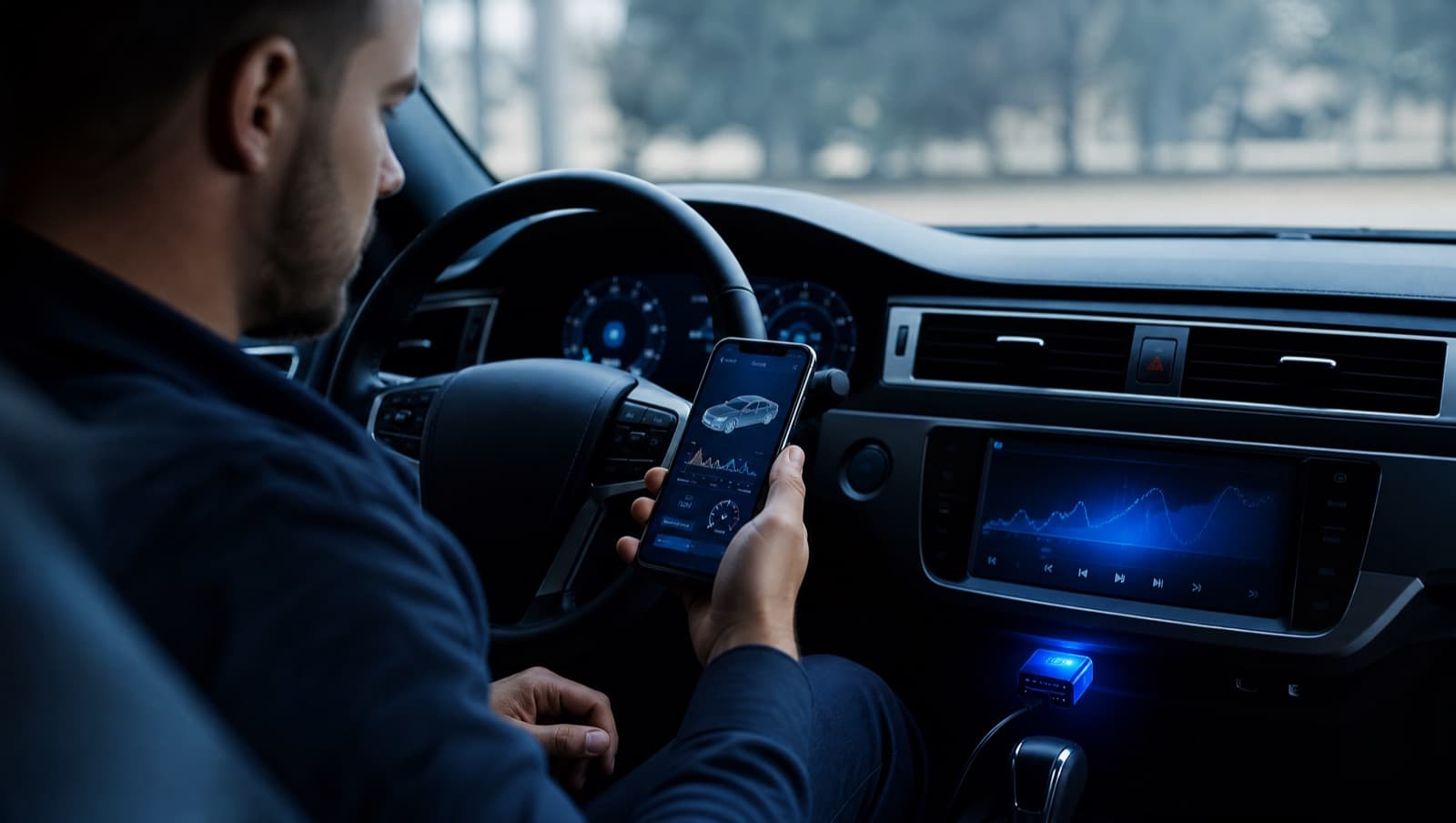
Reading your own fault codes is one of the easiest ways to avoid surprises at the workshop. With a cheap Bluetooth adapter and your iPhone or iPad, you can see exactly what the car's computer has flagged, decide how urgent it is, and walk into a repair already knowing what to ask.
What you need
- •An iPhone or iPad (iOS / iPadOS 17 or later).
- •A Bluetooth LE OBD-II adapter (Classic Bluetooth ELM327 dongles don't work on iOS or iPadOS).
- •Two minutes and access to the car's OBD-II port.
Step by step
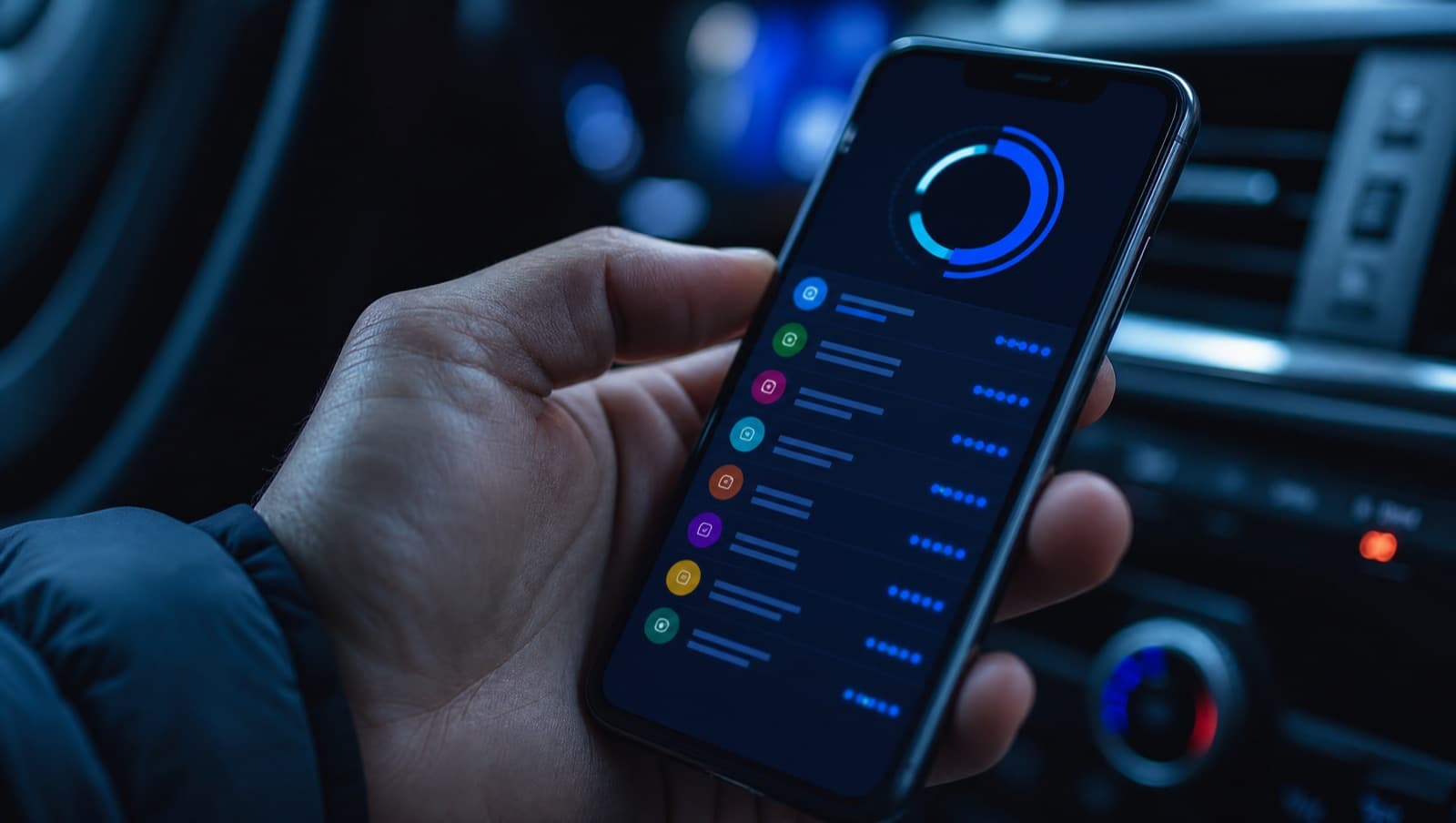
- •Plug the adapter into the OBD-II port, usually under the dashboard near the steering column.
- •Turn the ignition on (engine on if you also want live data).
- •Open the app, connect over Bluetooth, and start a scan.
- •Read the stored, pending, and permanent codes, plus live data and readiness.
Understanding what you see

A code like P0301 follows a standard format: the letter is the system (P for powertrain), and the number narrows it down (a cylinder 1 misfire, in this case). Stored codes are confirmed faults; pending codes are intermittent and not yet confirmed; permanent codes won't clear until the car re-verifies the repair.
AutoMalaya OBD translates each code into plain English with likely causes, repair priority, and an approximate Malaysia cost range, so you're not left googling cryptic strings.
When to DIY and when to see a mechanic

Reading codes is safe and informative for everyone. Acting on them is where judgement matters: a loose fuel cap is a five-minute fix, but a misfire, charging fault, or anything with a flashing light deserves professional attention. Sharing an exported report with your mechanic saves time and money.