

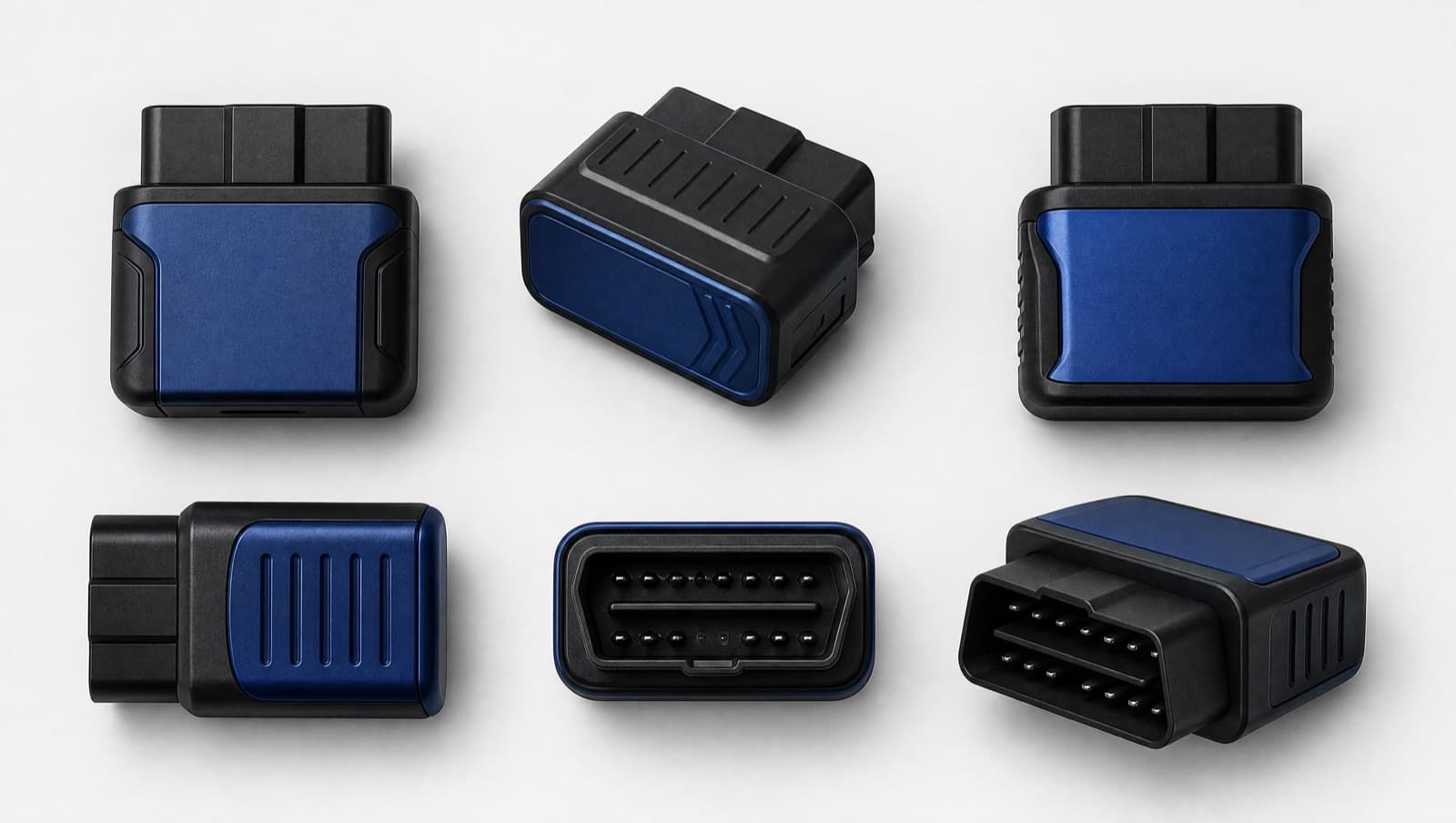
The most common reason an OBD-II app "doesn't work" on iPhone or iPad is the adapter, not the app. Apple devices only talk to a specific kind of OBD-II hardware, so choosing the right adapter is the first decision that matters.
The one spec that matters: Bluetooth LE
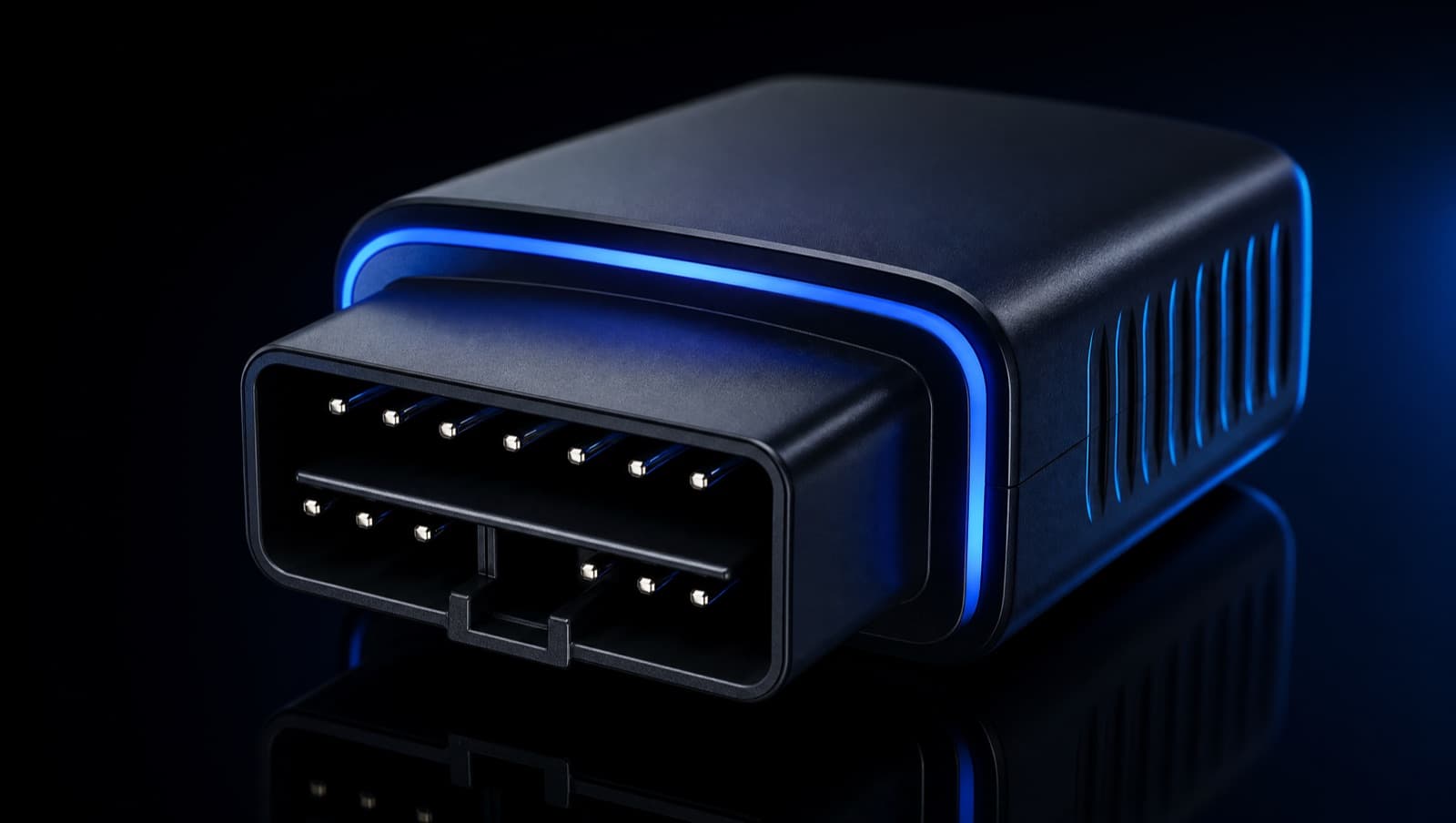
iOS and iPadOS do not support the Classic Bluetooth (SPP) ELM327 dongles that are common and cheap on marketplaces. Those pair fine with Android but simply won't connect on iPhone or iPad. You need a Bluetooth Low Energy (BLE) adapter, or a Wi-Fi adapter. For most people, BLE is the simplest choice.
What to look for
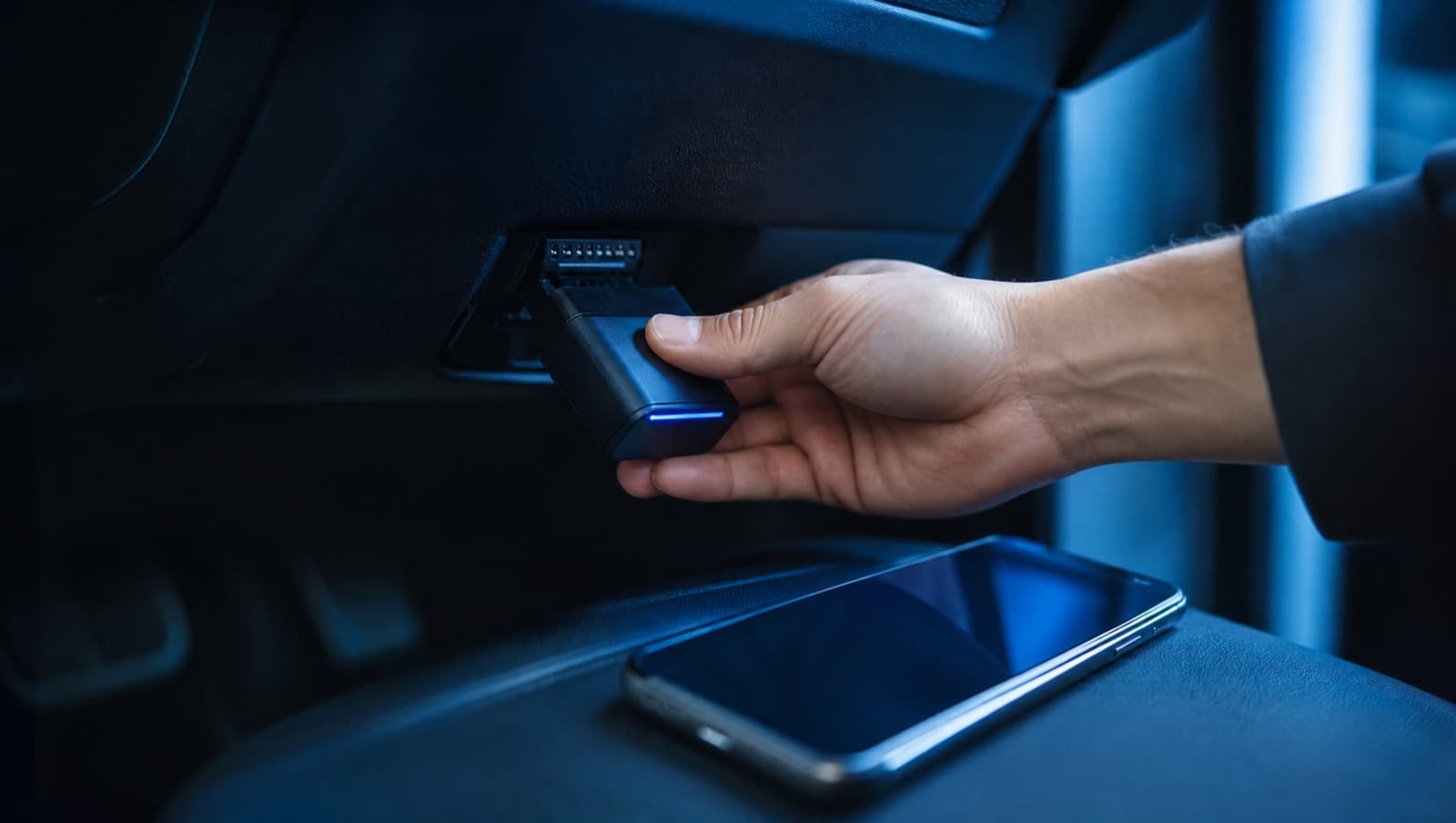
- •Bluetooth LE (BLE) or Wi-Fi, explicitly stated as iOS / iPadOS-compatible.
- •A reputable chipset for stable connections and broader vehicle support.
- •Low standby power draw, or an easy way to unplug it so it doesn't drain the battery.
- •Good reviews specifically from iPhone and iPad users.
Our recommended baseline
For reliable scanning we use the OBDLink MX+ as the baseline: it's BLE, well-supported on iOS and iPadOS, and handles a wide range of vehicles. Budget BLE adapters can work too, but reliability varies, so we validate them over time rather than promising compatibility up front.
Avoid these
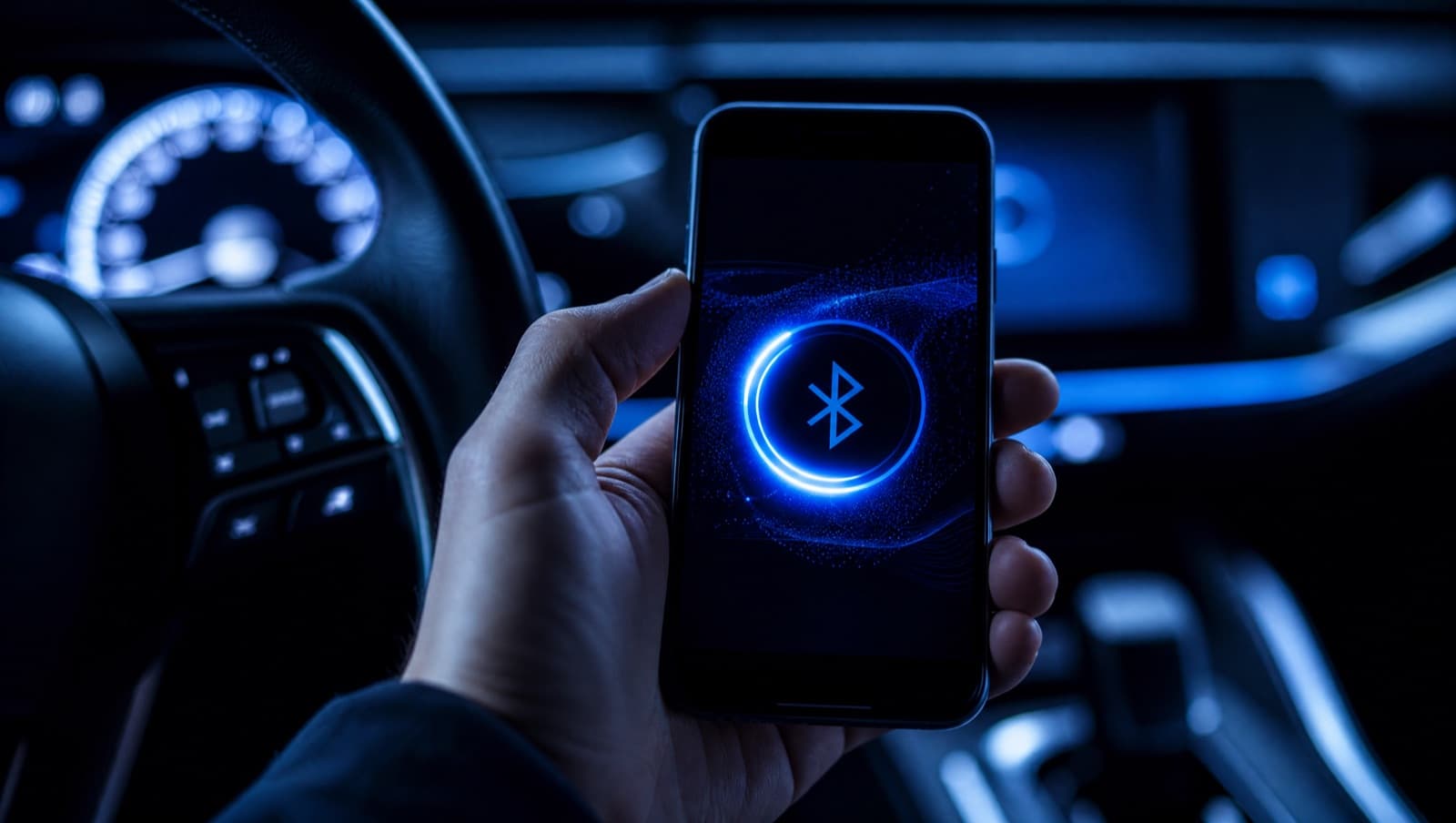
- •Classic Bluetooth ELM327 dongles (won't connect on iPhone or iPad).
- •No-name adapters with only Android reviews.
- •Adapters that don't state BLE or Wi-Fi support clearly.